
AREDN
Updating the Firmware
Updating the Firmware
-
Update using the
Administrationpage. The device will reboot once or twice.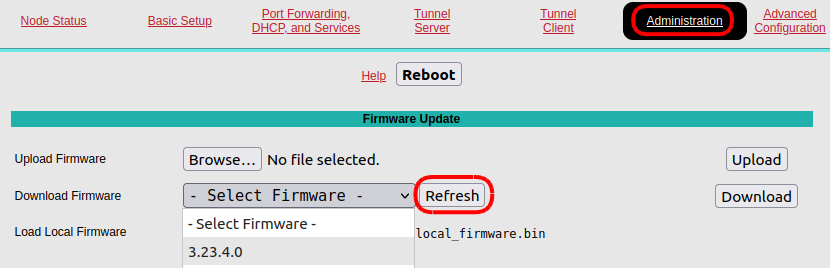
-
Upload the new information to the AREDN server using the
Basic Setuppage. This will update this map
-
Reinstall any additional packages such as meshchat.
-
If you still see a message like this at the top of the home page:
 You can force it to disappear by executing the last command on the
 Advanced Configurationpage: